Available on: All Plans (Some customization options require Pro or above)
Your hoo.be page is the best place to link everything you do online. Social icons let you display clickable links to your social platforms so your audience can easily follow you everywhere.
Social icons allow you to showcase your social media platforms in a clean, recognizable way using platform icons. This keeps your main links focused on content, products, or campaigns, while still giving your audience quick access to your socials.
You can add icons for 50+ social platforms, reorder them, and customize their appearance to match your page.
💡 Tip: If growing your social following is a priority, place your social icons near the top of your page. If you want to keep focus on links or promotions, place them lower on the page.
How to Add Social Media Icons
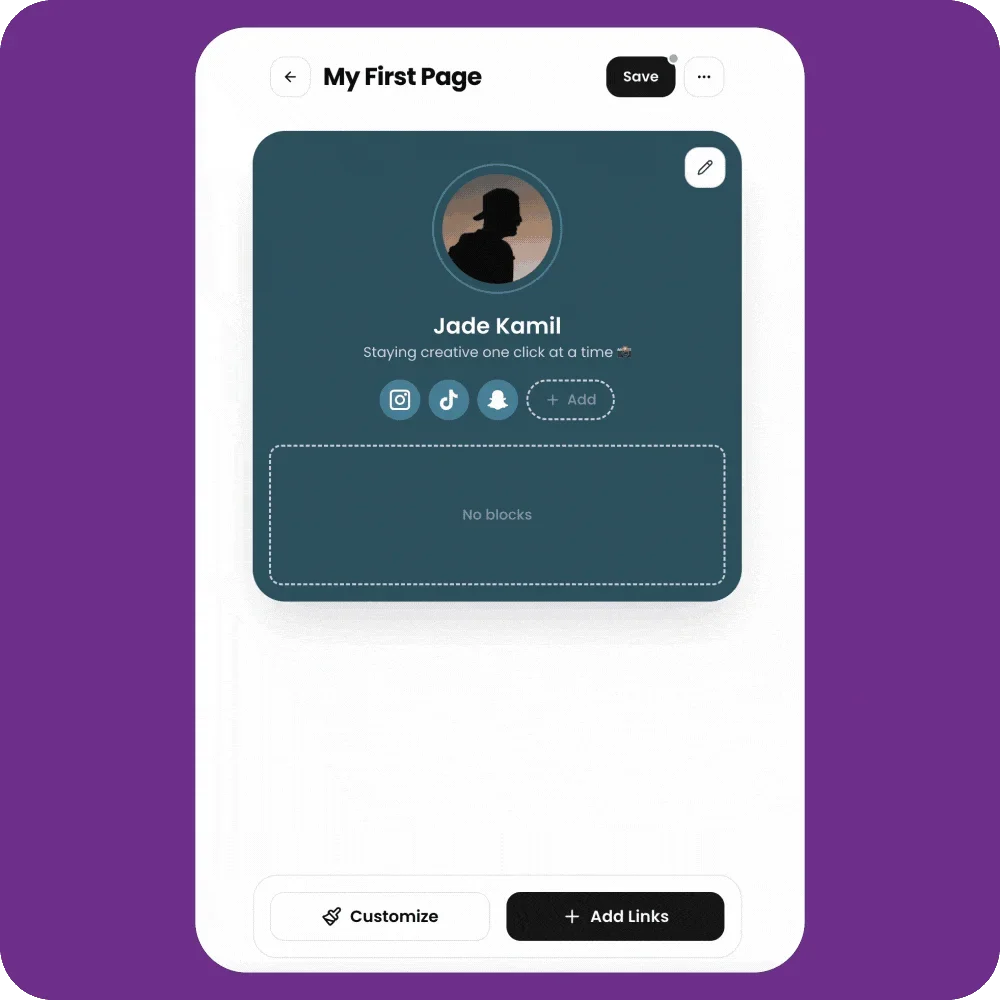
Steps:
Navigate to your pages 👉 VercelSign In | hoo.be
Click the page you want to edit (your active page or a draft)
Click the “+ Add” button next to your existing social icons
Select Add Link
Search for a social platform or paste your URL (You can also enter your username for supported platforms)
Save your changes
Customize Your Social Icons (Optional)
After adding your social icons, you can customize how they appear on your page.
Available options may include:
Icon style
Size
Color
Spacing
⚡ Note: Some customization options are available on Pro, Premium, and VIP plans.
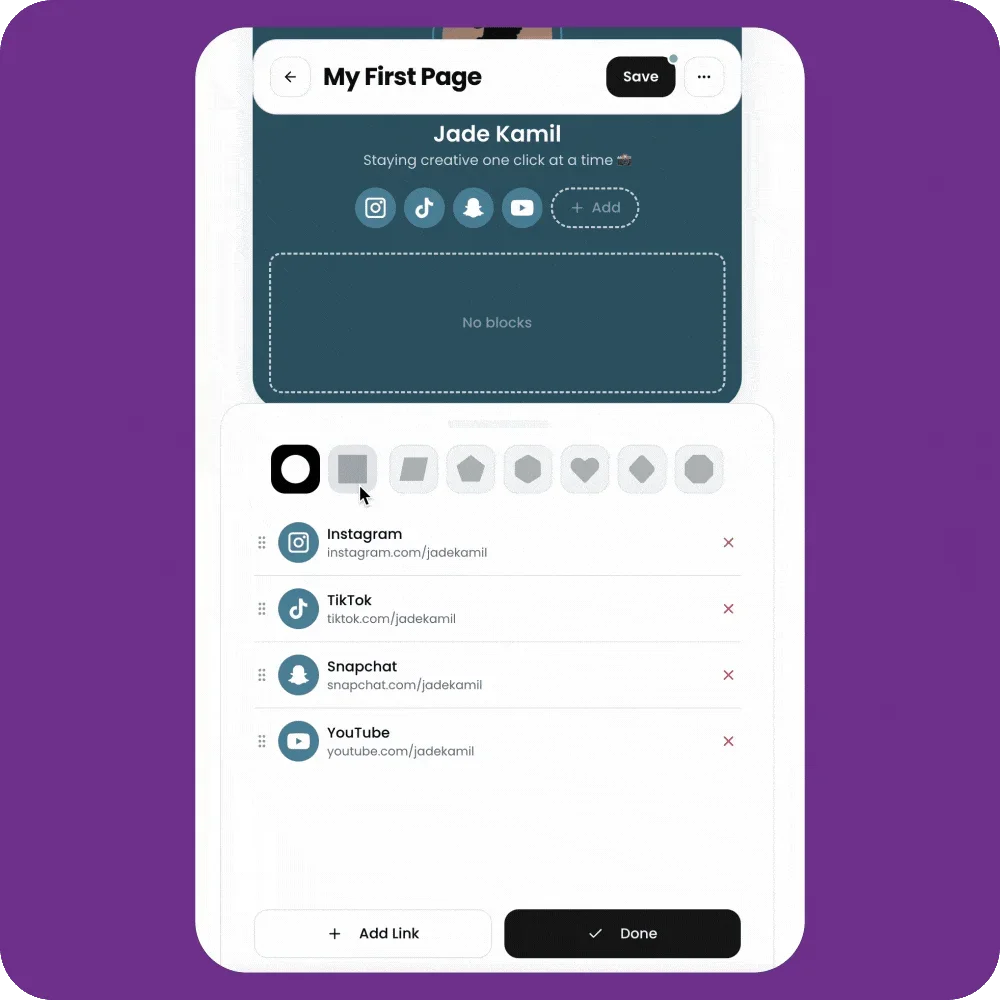
Reorder Your Social Icons
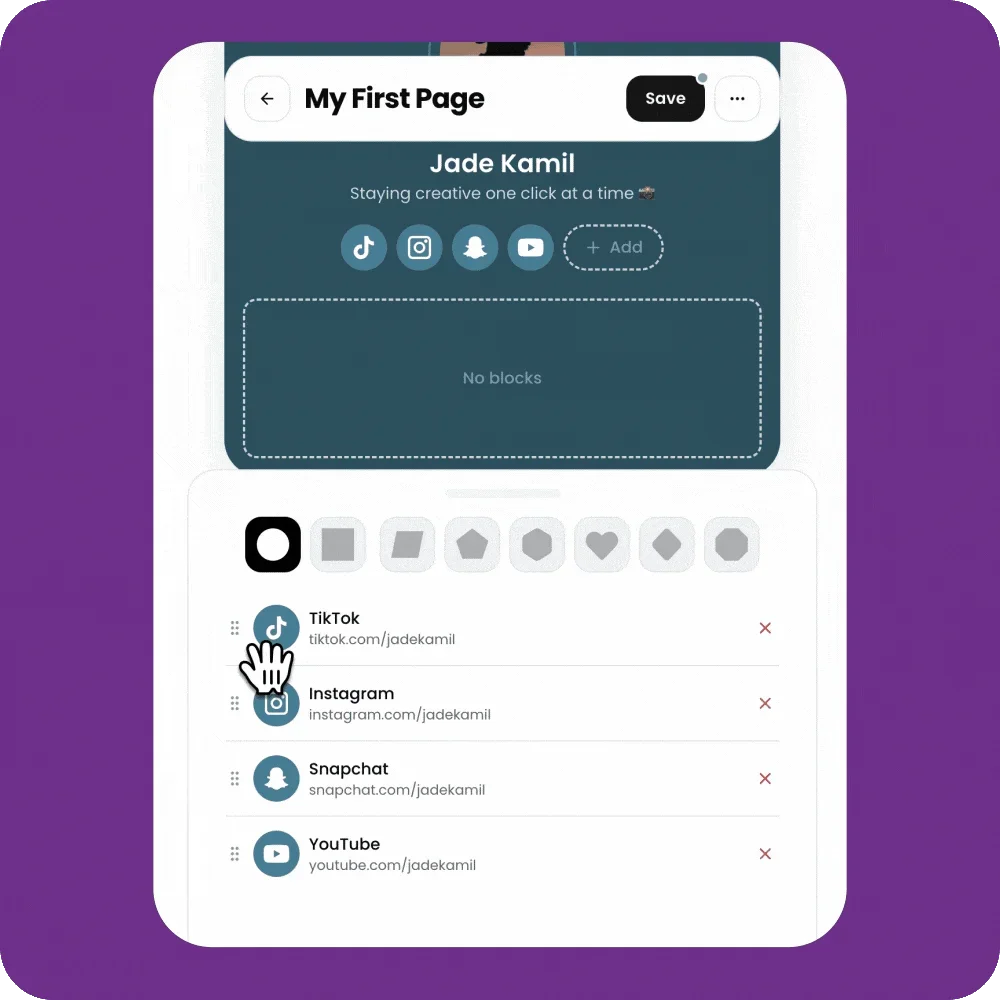
You can change the order of your social icons to highlight your most important platforms first.
Steps:
Hover over a social icon
Click and drag it into your preferred position
Your changes save automatically
Should I Add My Socials as Links Too?
In some cases, yes.
Links typically receive more clicks than icons. If one social platform is especially important (for example, TikTok or YouTube), consider:
Adding it as a social icon, and
Adding it again as a link block with a clear title
You can also embed content (like TikToks or YouTube videos) to turn your page into a more engaging experience.
FAQs
Can I add multiple accounts for the same platform?
You can add one social icon per platform. If you have multiple accounts, add the additional ones as regular links with clear titles.
What if the platform I want isn’t available?
We’re always adding new platforms. If you don’t see one you need, reach out to our support team and let us know.