Your hoo.be page is designed to be shared. With just a few clicks, you can copy your link, add it directly to your social bios, or share it across your favorite platforms.
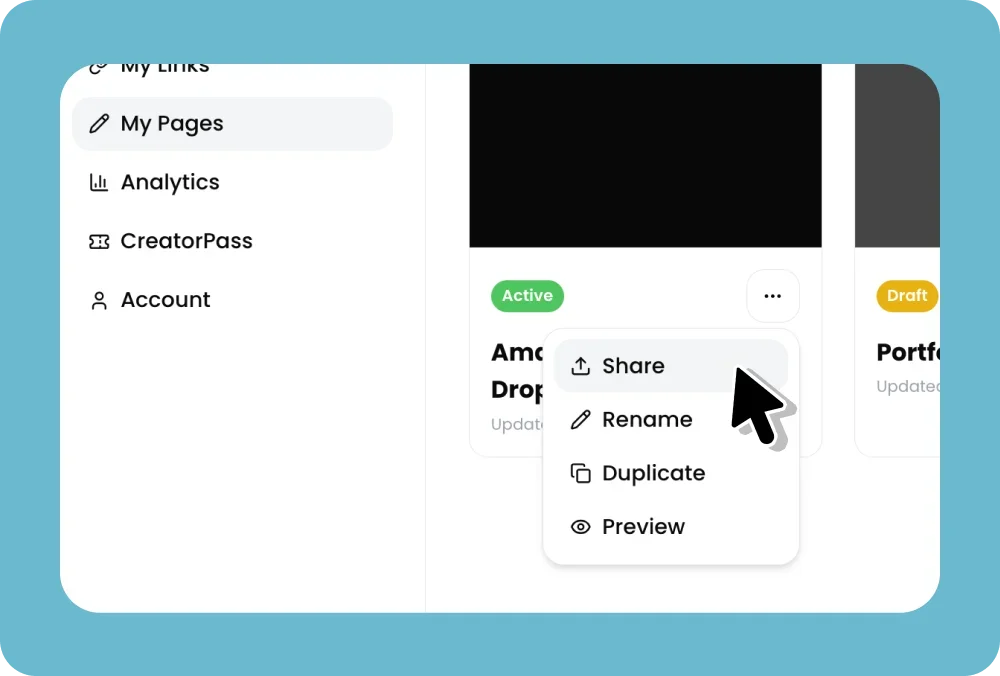
Steps:
Log in to your hoo.be account at hoo.be/login
From the Home page, click the share icon in the top right corner
From the share panel you can:
Add to your socials — follow guided steps to add your hoo.be link directly to your Instagram, TikTok, YouTube, and other platform bios
Open my hoo.be — open your live page in a new tab
Share directly via Message, WhatsApp, X, Telegram, Email, or other apps
Copy your link directly from the bottom of the panel
Best Practices
Add your hoo.be link to all of your social media bios so your audience can always find everything in one place
Pin a post or add it to your video descriptions for ongoing visibility
Add it to your email signature for passive sharing