You can showcase your podcast on your hoo.be page by adding a show or episode link. When supported, podcast links will automatically embed so visitors can listen directly on your page.
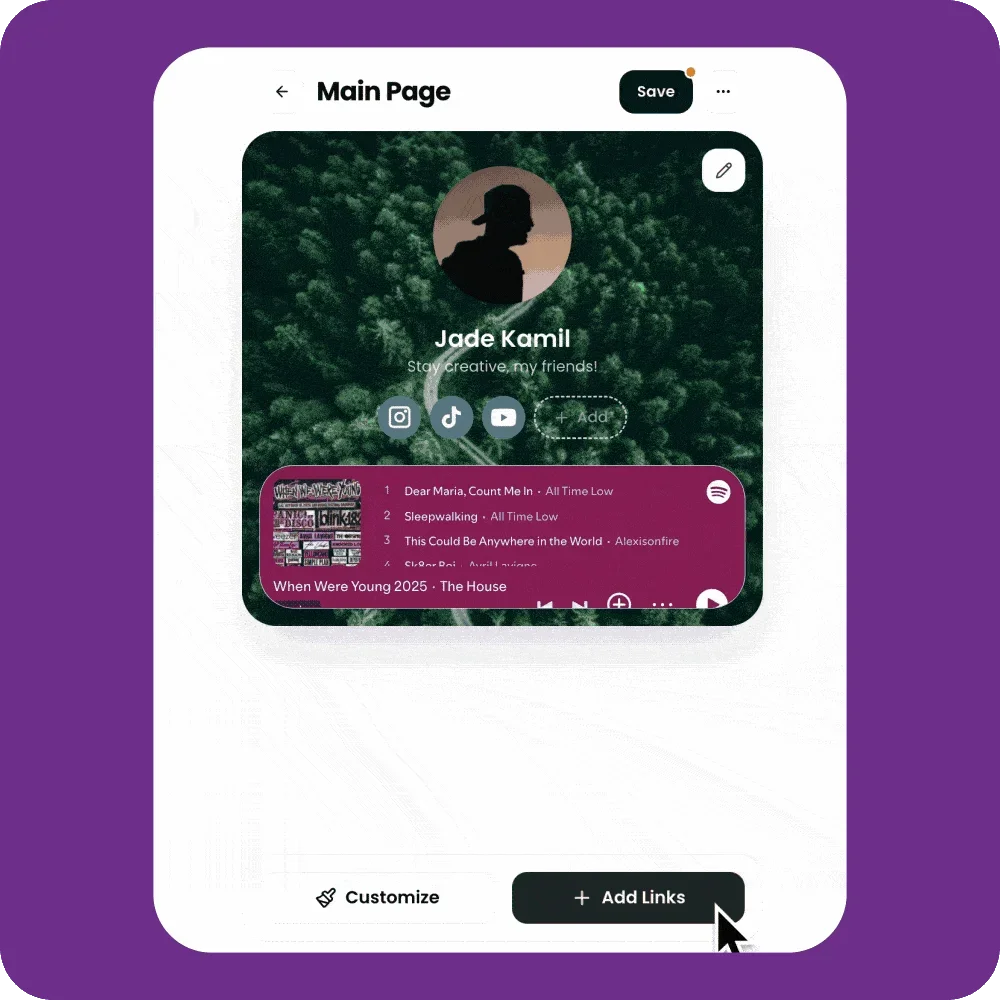
Add a Podcast Link to Your Page
Go to My Pages and open the page you want to edit
Click Add Links
Paste a link to your podcast show or episode from a supported platform, such as:
Spotify
Apple Podcasts
Google Podcasts
If the platform supports embeds, the podcast will automatically appear as an embedded player on your page.
Customize Your Podcast Link
After adding the link, you can edit the block to customize how it appears:
Switch between an embedded player or a standard link
Update the title
Upload or change the cover image
Adjust the block size and layout
All customization options are available by clicking on the link while in the page editor.
🎙 Tip: Embedded podcast players make it easy for visitors to listen without leaving your hoo.be page, helping increase engagement and plays.