You can easily reorder links on your hoo.be profile to highlight what matters most. Links can be rearranged directly on your page or within individual link blocks using simple drag-and-drop controls.
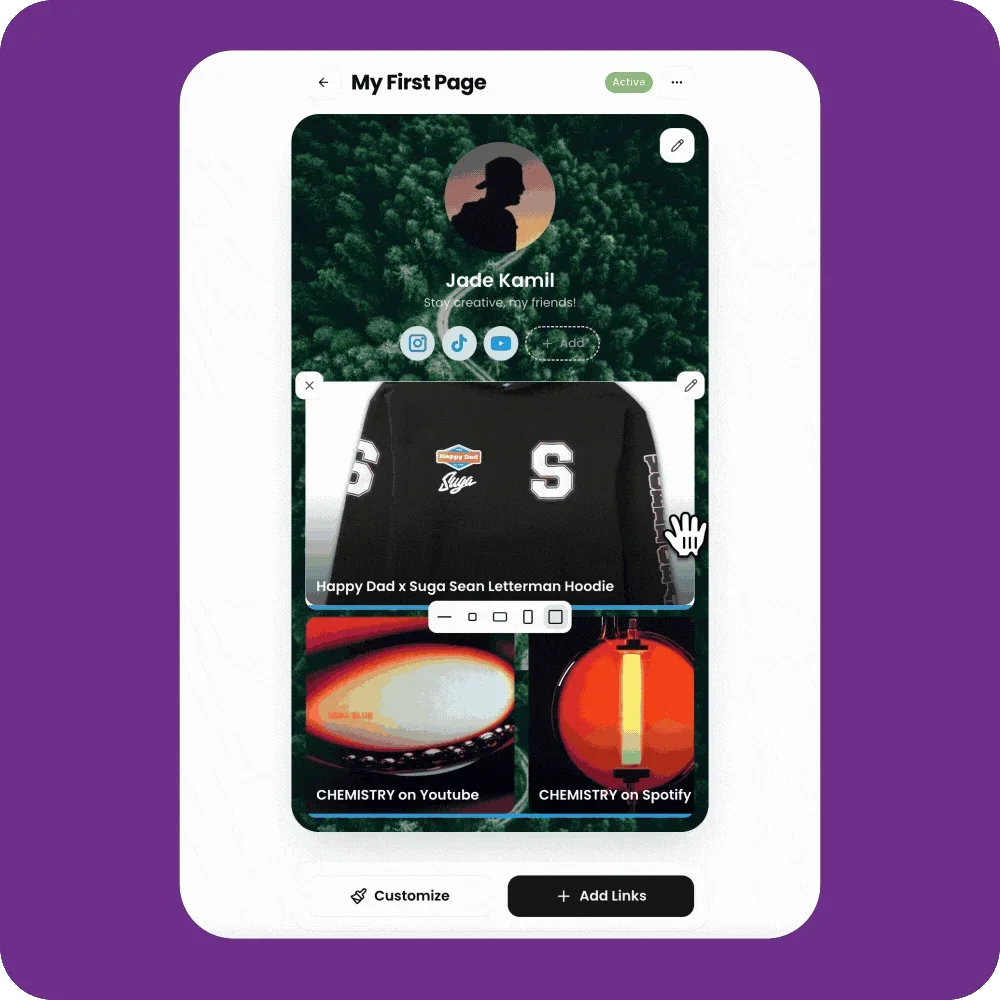
Move Links on Your Page
Reorder links on your main page to change the order visitors see them.
Steps:
Go to My Pages.
Open the page you want to edit.
Make sure you’re in edit mode.
Click and drag a link block to a new position on the page.
Release to drop it into place.
Click Save to publish your changes.

Reorder Links Inside a Link Block
If a block contains multiple links, you can reorder them individually.
Steps:
Click on the link block you want to edit.
In the edit modal, locate the list of links.
Click and drag a link using the handle to reorder it.
Changes apply immediately once you release.
Notes
Drag-and-drop works across your entire page layout.
Reordering links does not affect analytics or tracking.
Changes are not live until you click Save.